
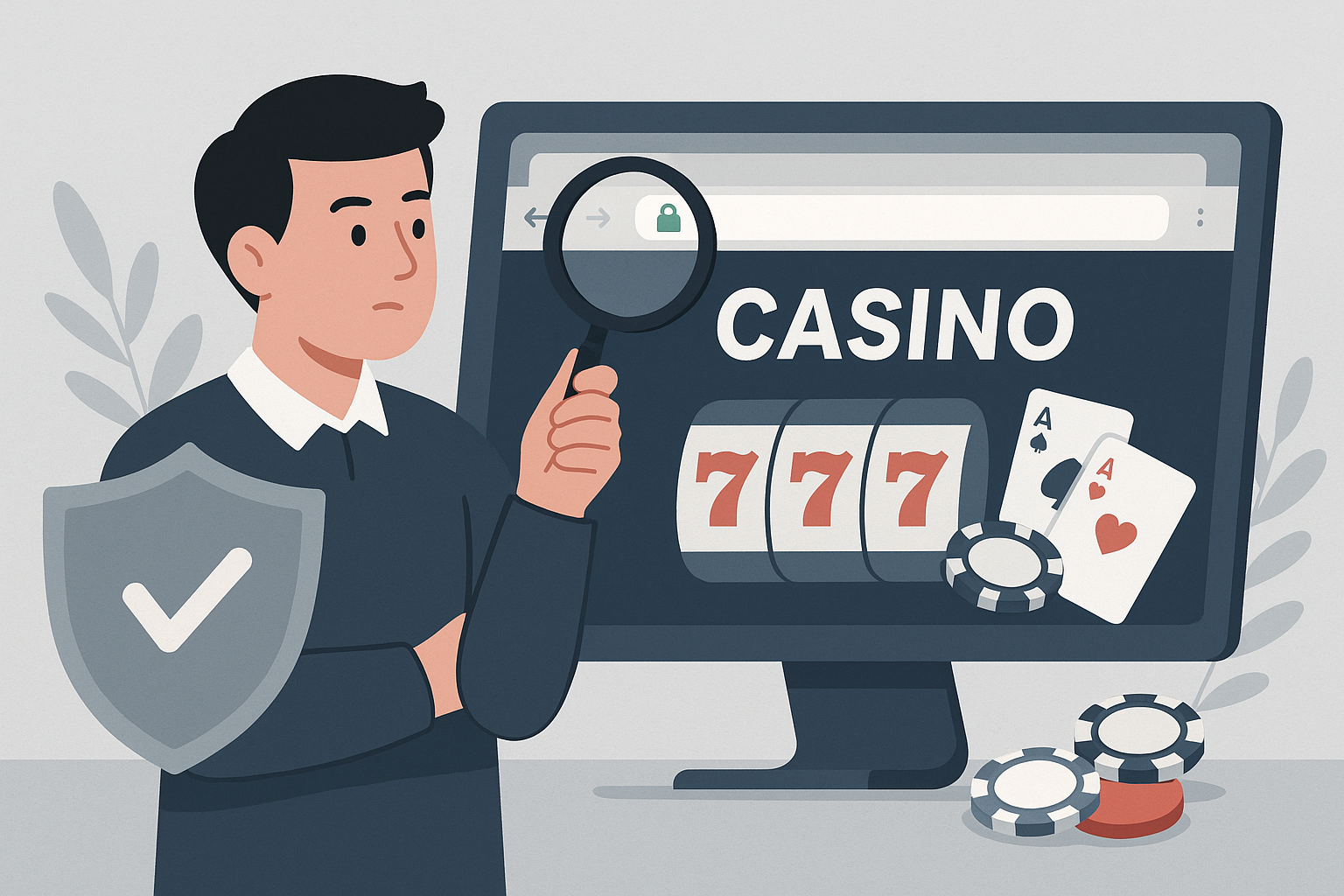
Understanding SSL Encryption on Casino Websites
SSL encryption is a fundamental security technology that protects your personal and financial information when interacting with online casino sites. Before depositing money or sharing sensitive data, verifying that a casino uses proper encryption is an essential step in protecting yourself online.
What SSL Encryption Does
Secure Sockets Layer (SSL) encryption creates a secure connection between your browser and the casino's server. This technology scrambles data transmitted between the two points, making it unreadable to anyone who might intercept it. Without SSL, information like passwords, credit card numbers, and personal details travel across the internet in plain text, vulnerable to theft.
Modern casino sites typically use TLS (Transport Layer Security), which is the updated version of SSL, though the term "SSL" remains commonly used to describe both technologies.
Checking for HTTPS in the Web Address
The most immediate indicator of SSL encryption is the prefix in the website address. Look at the URL bar at the top of your browser:
- Secure sites begin with "https://" where the "s" stands for secure
- Unsecured sites only show "http://" without the additional "s"
Never enter personal information or make financial transactions on a site that only uses HTTP. All legitimate casino operators use HTTPS throughout their entire platform, not just on payment pages.
Identifying the Padlock Symbol
Modern web browsers display a padlock icon in the address bar when a site uses SSL encryption. The exact appearance varies by browser:
- Chrome displays a padlock icon to the left of the URL
- Firefox shows a similar padlock in the same location
- Safari places the padlock before the web address
- Edge also uses a padlock indicator in the address bar
Click on the padlock icon to view additional security information. This action opens a small window showing details about the connection and certificate.
Examining the SSL Certificate Details
Every SSL-secured website has a digital certificate that verifies its identity. To examine this certificate:
Click the padlock icon in your browser's address bar, then look for options like "Certificate," "Connection is secure," or similar wording. This opens a window displaying certificate information including:
- The organization name that owns the certificate
- The certificate issuing authority
- Validity dates (when the certificate was issued and when it expires)
- Encryption strength
Legitimate casino sites use certificates issued by recognized authorities such as DigiCert, Comodo, GeoTrust, or Let's Encrypt. The organization name should match the casino company you expect to be dealing with. Be wary if the certificate belongs to a completely different entity or shows as expired.
Understanding Certificate Types
SSL certificates come in different validation levels:
Domain Validated (DV) Certificates
These certificates verify that someone controls the domain but do not confirm business identity. They provide encryption but minimal identity verification.
Organization Validated (OV) Certificates
These include verification of the organization's legal existence and require documentation. Many established casino sites use OV certificates.
Extended Validation (EV) Certificates
These require the most rigorous verification process. Some browsers historically displayed the company name in green next to the address bar for EV certificates, though this practice has changed in recent years.
For casino sites handling financial transactions, OV or EV certificates are preferable indicators of a legitimate operation.
Warning Signs to Watch For
Your browser will alert you to potential security problems. Pay attention to these warnings:
- Messages stating "Your connection is not private" or similar warnings
- Alerts about expired or invalid certificates
- Notices that the certificate doesn't match the website address
- Indicators that the connection uses outdated encryption protocols
Never proceed past these warnings on a casino site. Legitimate operators maintain current, valid certificates at all times.
Additional Security Verification Steps
Beyond checking for SSL encryption, consider these complementary security checks:
- Look for licensing information, typically displayed in the footer of casino websites
- Verify the casino holds licenses from recognized gambling authorities
- Review the site's privacy policy to understand how data is handled
- Check for security seals from testing agencies like eCOGRA or iTech Labs
- Research the casino's reputation through independent review sites and forums
Mobile Casino Applications
When using mobile casino apps, SSL verification works differently. Mobile applications should clearly state their security measures in the app description and privacy policy. Download casino apps only from official sources like the Apple App Store or Google Play Store, and check that the app comes from the verified developer.
Taking Responsibility for Your Security
While SSL encryption is essential, it represents just one component of online security. You remain responsible for other aspects of protecting your information, including using strong passwords, avoiding public Wi-Fi for gambling activities, keeping your devices updated, and only playing on sites licensed in your jurisdiction.
Remember that gambling regulations vary by location. Ensure any casino site you consider is legally permitted to operate in your area and that you meet the legal age requirements. SSL encryption protects data transmission but does not guarantee that a casino is legitimate or legally compliant in your region.
Taking a few moments to verify SSL encryption before registering or depositing money at an online casino is a simple but critical step in protecting your personal and financial security.